
前言
该配置解决了多渠道包和多渠道号的打包问题,并且使用简单的配置文件
过程
新建一个AS工程,工程截图如下
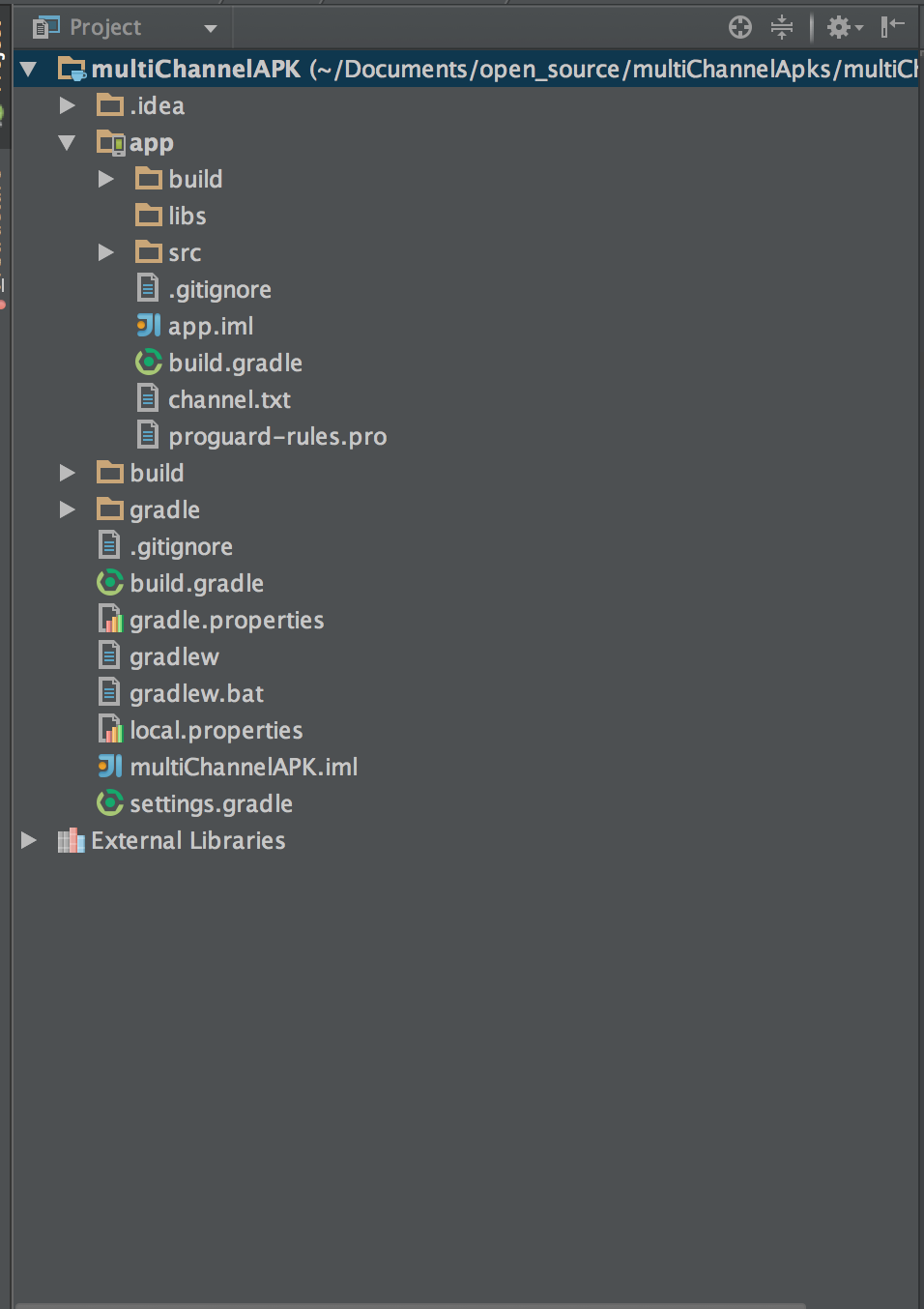
android1
我们新建一个channel.txt,并且增加渠道名字和渠道号
baidu:1111
360:2222
91:3333
:4444
:5555
wandoujia:6666
为了使得我们的配置能够生效,需要修改manifest.xml,增加如下两行:
       <!-- app pid -->
        <meta-data android:name="CHANNEL_ID" android:value="${APP_PID_PLACEHOLDER}" />
        <!-- app key -->
        <meta-data android:name="CHANNEL_NAME" android:value="${APP_KEY_PLACEHOLDER}" />
同样的build.gradle也需要进行相应的修改:
buildscript {
    repositories {
        mavenCentral()
    }
    dependencies {
        classpath 'com.android.tools.build:gradle:1.0.0'
    }
}


apply plugin: 'com.android.application'

tasks.withType(JavaCompile) { options.encoding = "UTF-8" }


android {
    compileSdkVersion 22
    buildToolsVersion "22.0.1"

    defaultConfig {
        applicationId "com.example.monkey.multichannelapk"
        minSdkVersion 10
        targetSdkVersion 22
        versionCode 1
        versionName "1.0"
    }
    sourceSets {


        // Move the tests to tests/java, tests/res, etc...
        instrumentTest.setRoot('tests')

        // Move the build types to build-types/<type>
        // For instance, build-types/debug/java, build-types/debug/AndroidManifest.xml, ...
        // This moves them out of them default location under src/<type>/... which would
        // conflict with src/ being used by the main source set.
        // Adding new build types or product flavors should be accompanied
        // by a similar customization.
        debug.setRoot('build-types/debug')
        release.setRoot('build-types/release')
    }


    buildTypes {
        release {
            minifyEnabled false
            proguardFiles getDefaultProguardFile('proguard-android.txt'), 'proguard-rules.pro'
        }
    }

    packagingOptions {
        exclude 'META-INF/DEPENDENCIES.txt'
        exclude 'META-INF/LICENSE.txt'
        exclude 'META-INF/NOTICE.txt'
        exclude 'META-INF/NOTICE'
        exclude 'META-INF/LICENSE'
        exclude 'META-INF/DEPENDENCIES'
        exclude 'META-INF/notice.txt'
        exclude 'META-INF/license.txt'
        exclude 'META-INF/dependencies.txt'
        exclude 'META-INF/LGPL2.1'
    }
    productFlavors {
        def path="./channel.txt"
        file(path).eachLine { line->
            def words = line.split(':')
            def key = words[0]
            def channel = words[1]
            if (key == '') {
                key = channel
            }
            def name = 's'+channel
            "$name" {
                manifestPlaceholders=[APP_KEY_PLACEHOLDER:key, APP_PID_PLACEHOLDER:name]
            }
        }
    }

}

dependencies {
    compile fileTree(dir: 'libs', include: ['*.jar'])
    compile 'com.android.support:appcompat-v7:22.1.1'
}
打出的包可以在如下一次性找到:
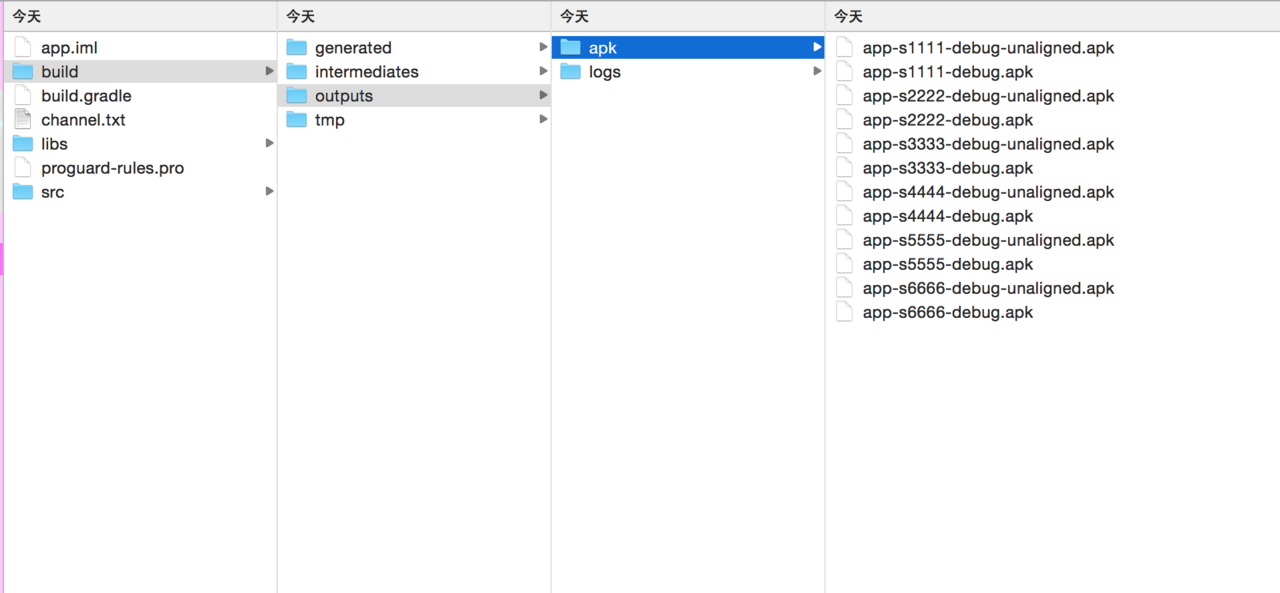
multi
最后附上打包gif
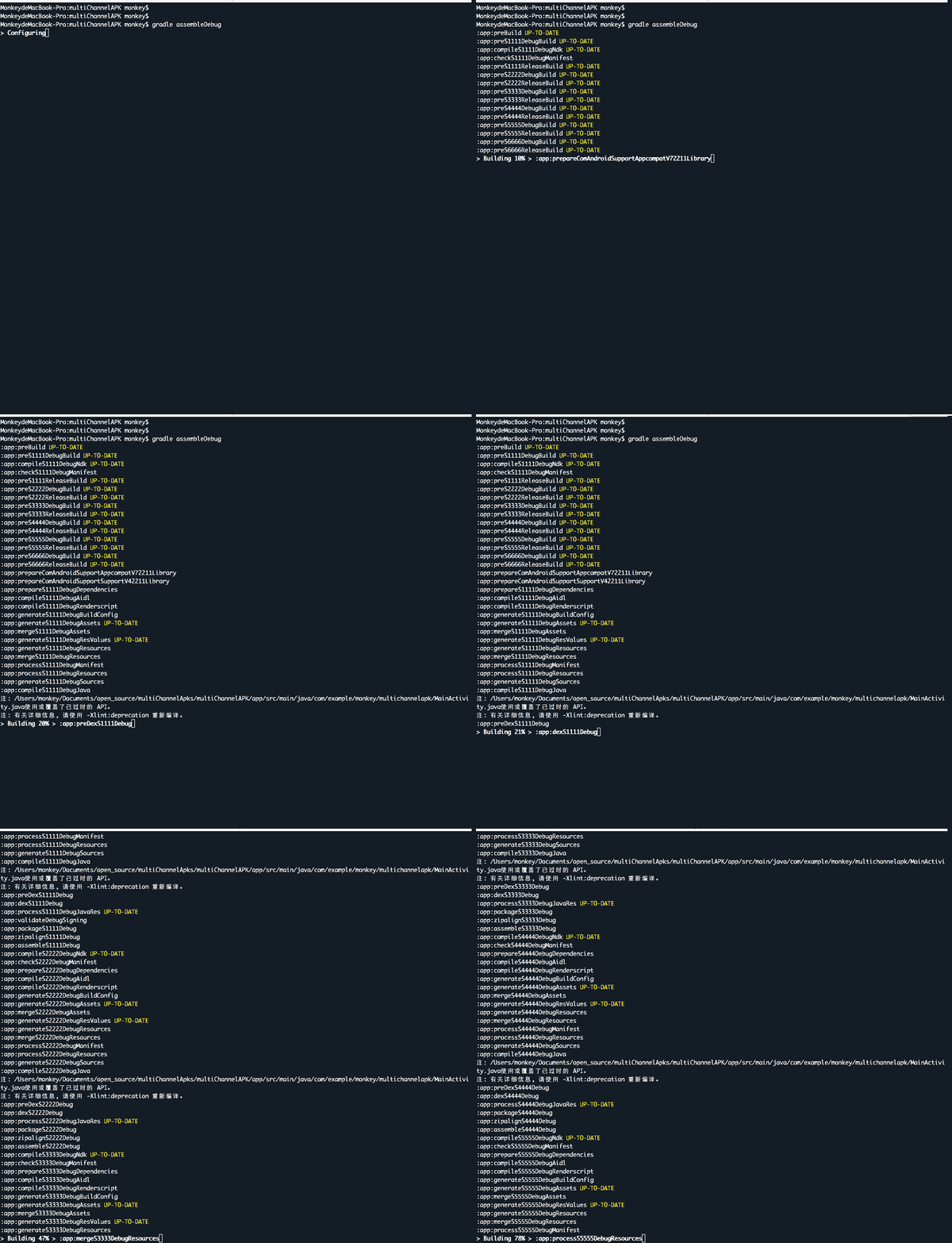
gif
